 BIT-1Experimental
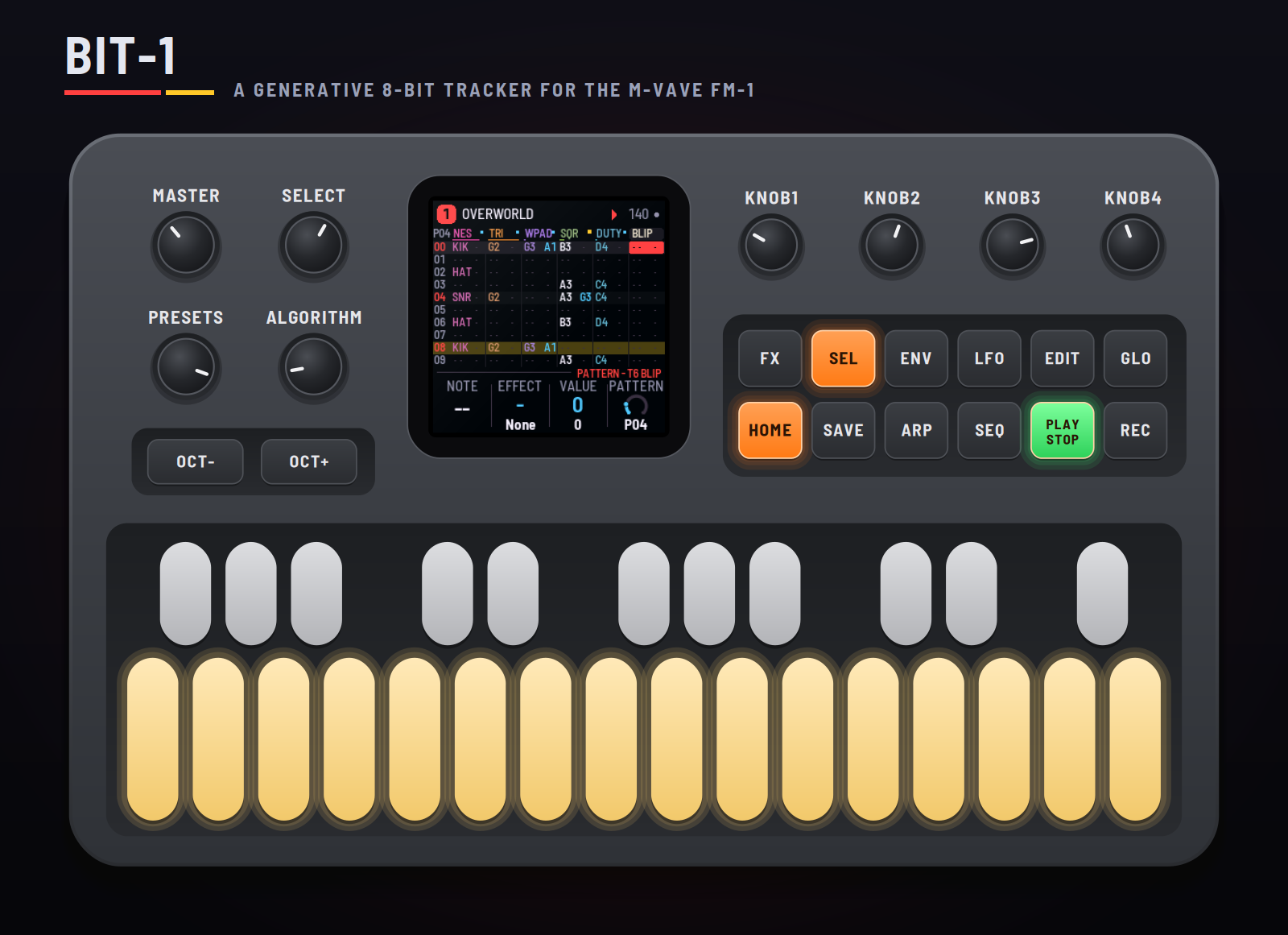
BIT-1 turns the M-VAVE FM-1 into a generative 8-bit tracker. Six tracks of sixteen rows, a note, a volume and two effects a cell, played by chip voices: an NES-style pulse and stepped triangle, Game Boy-style 4-bit waves, an LFSR noise, SID-style saws and pulses through a resonant filter, and a ring bell, their volume in sixteen steps and their arpeggios at frame rate. Follow writes the other tracks from a melody you write: bass, chords, an arp, a harmony, a counter-line and drums that answer it, a new take whenever you like. Or switch it off and write every note yourself. Evolve lets each pattern drift a little every pass; Grow writes one in eight chip styles.
The tracker
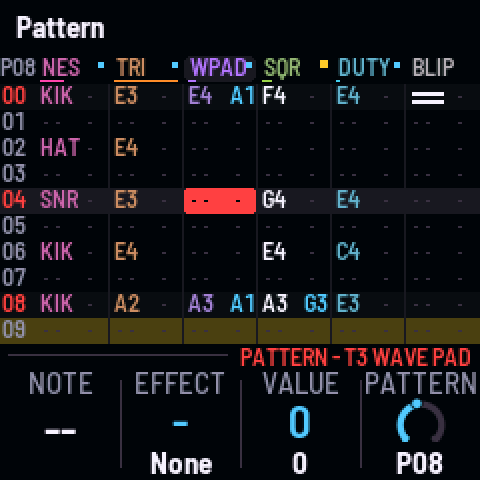
Patterns
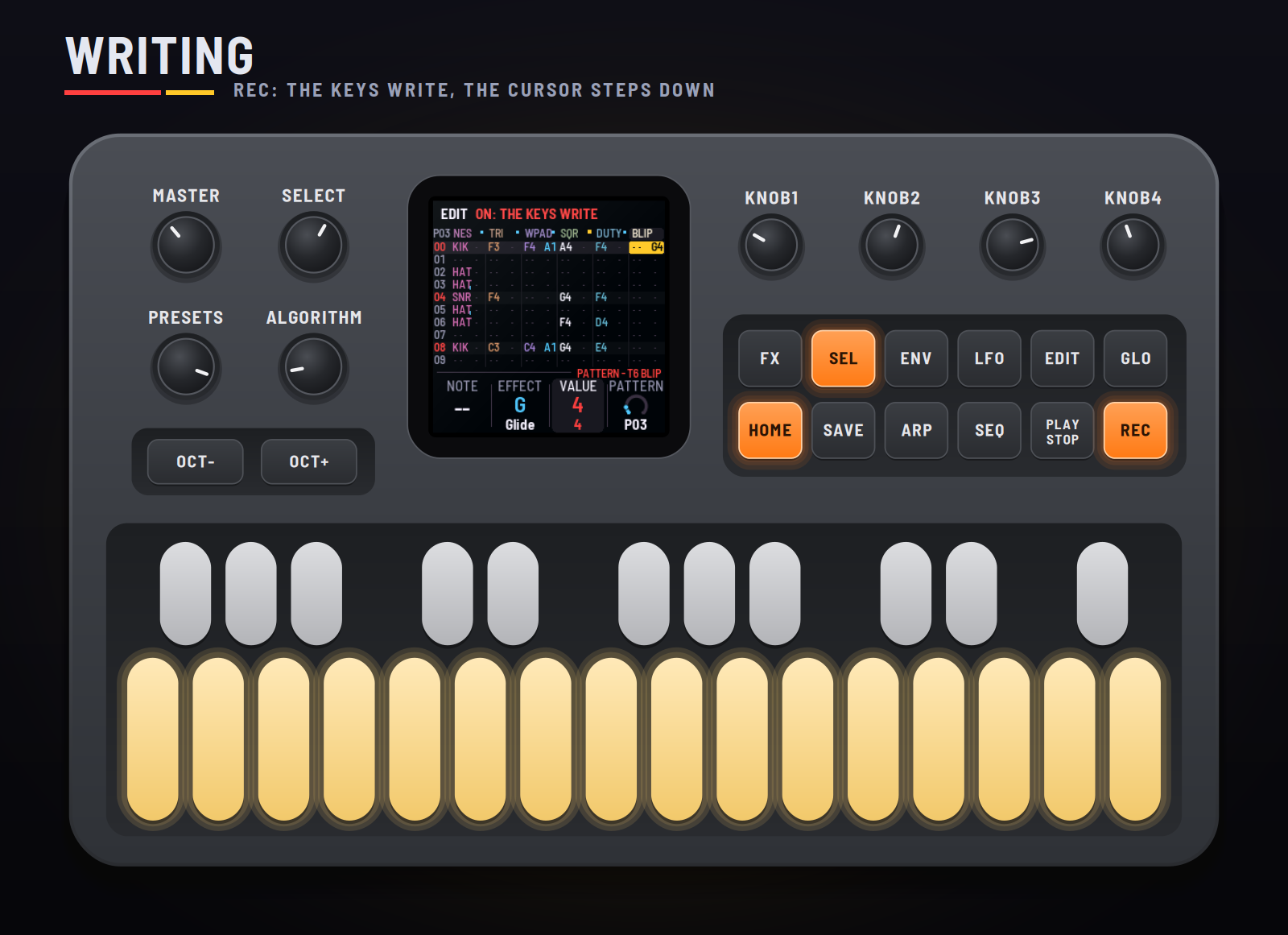
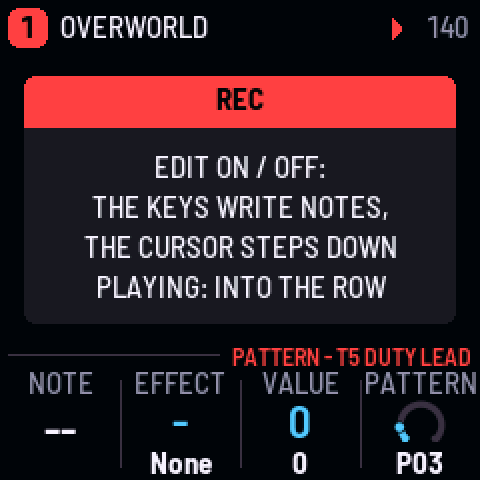
Sixteen patterns of sixteen rows (a bar of sixteenths), six tracks a row. The keys write notes as the cursor steps down (REC); playing, they go into the row that's playing. Knobs set the cell's note, effect and value.
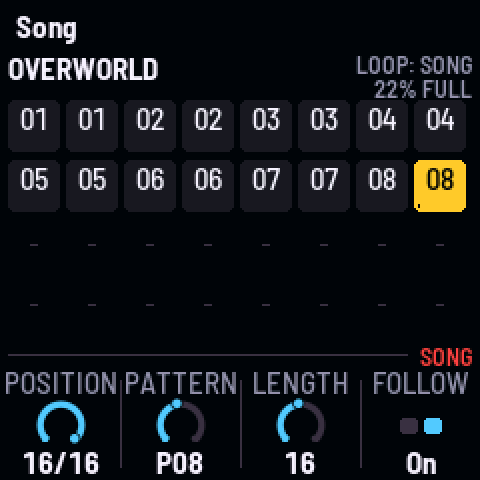
The song
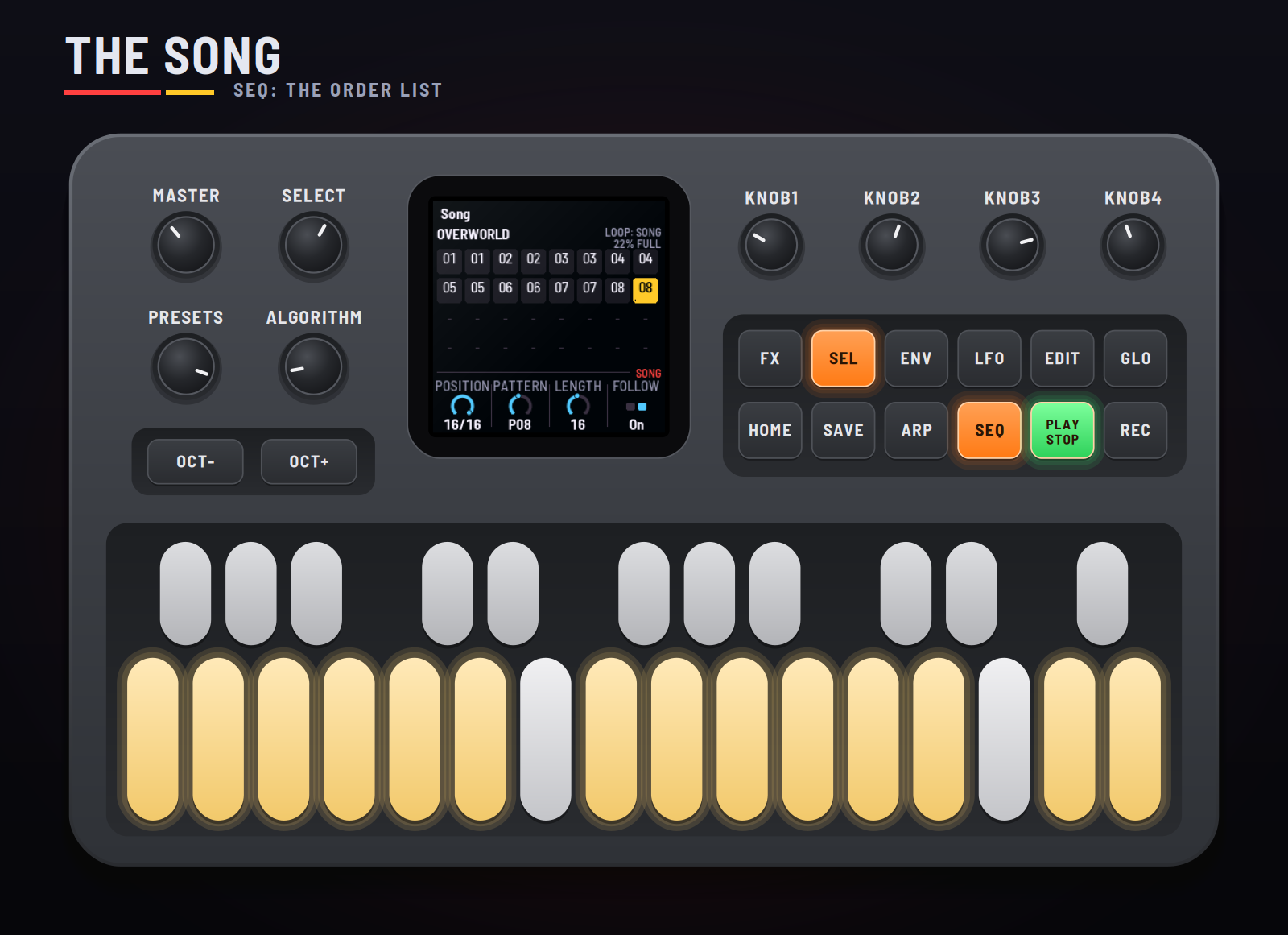
An order list of up to 32 positions, each playing a pattern; loop the song or one pattern. EDIT on the Song page makes a fresh copy to vary. Five songs, each saved in its own place on the FM-1.
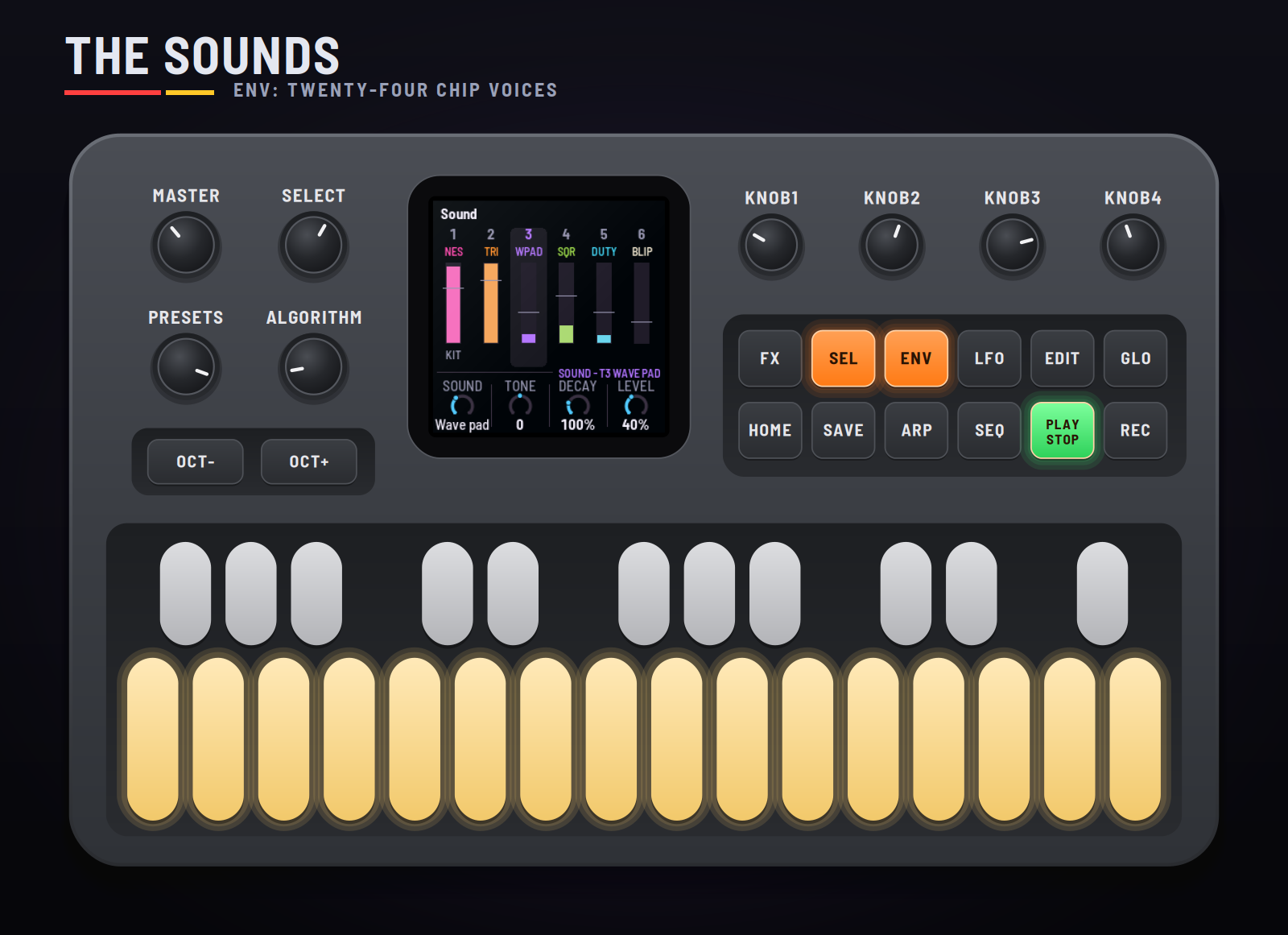
The sounds
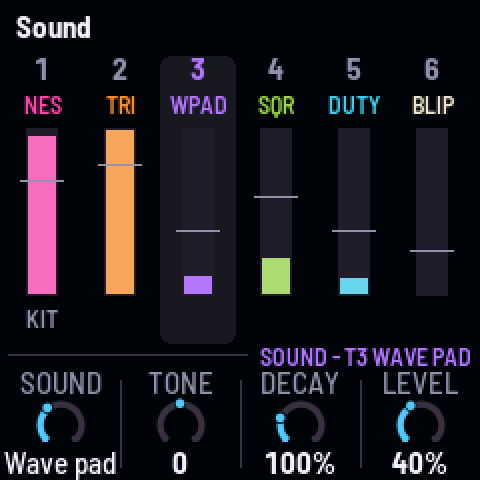
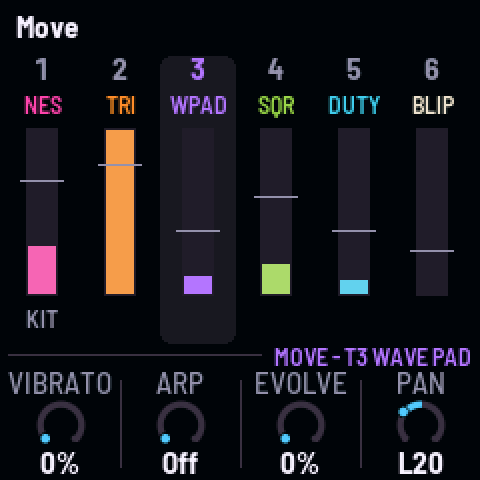
Twenty-four chip voices, synthesised: the NES, GB and SID kits, Tri bass, Wave bass, Octave bass, Square, Duty lead, SID lead, Chip arp, Wave pad, Ring bell, Laser, Power-up, Metal and more. Each track shapes its own with Tone, Decay, Vibrato, Arp and Crush. And sixteen ROM voices: a GBA game's own instruments, from a ROM you own.
Two effects a cell
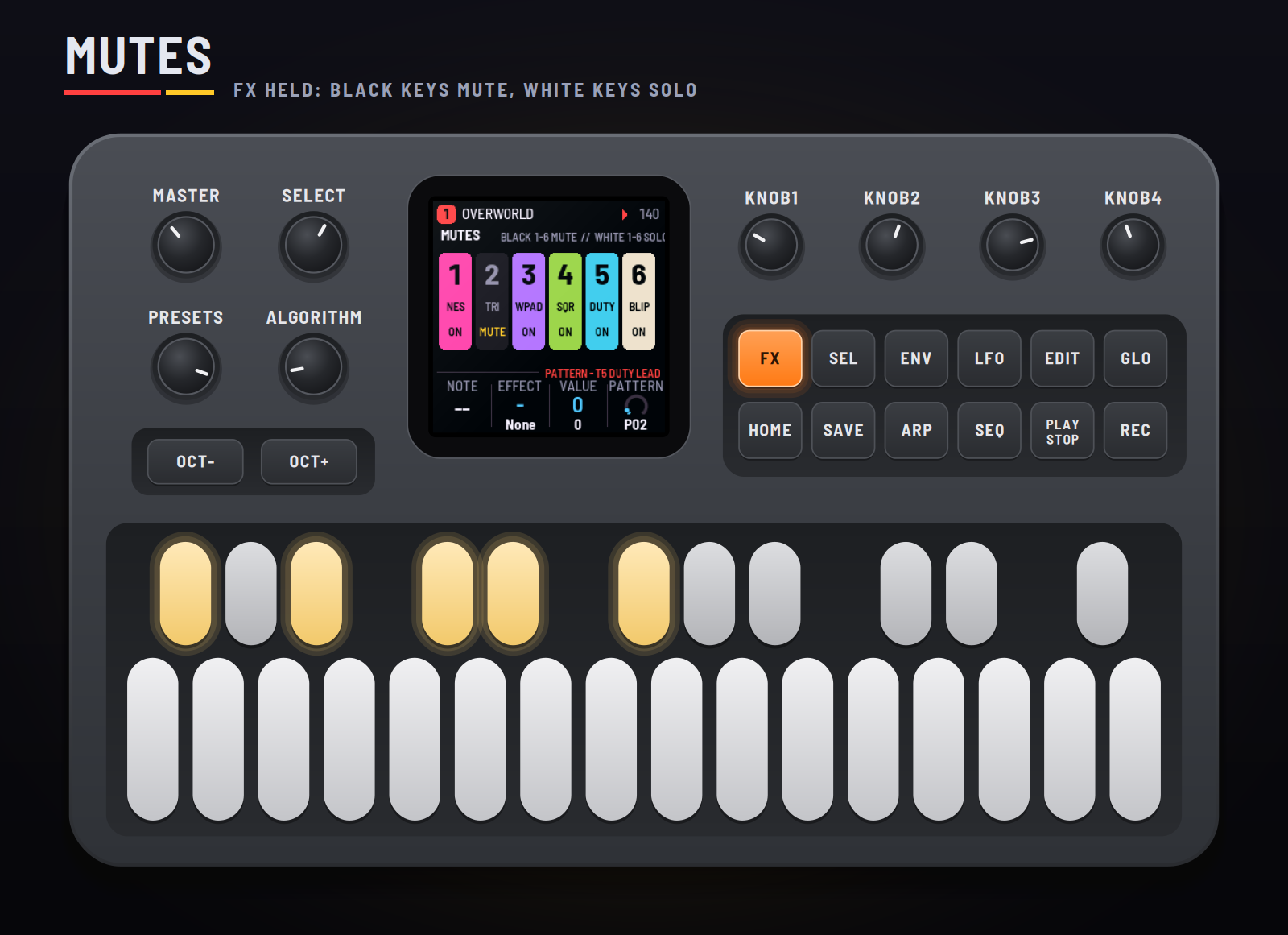
A volume and two effects a cell, after KAWA's, from fifteen: Glide, chance (?), Ratchet, Delay, Tone, Vibrato, Bend (a drop over the row), Hop (to a row, once a pass), chord (A), Mutate, Length, crush (X), Stutter (30–60 ms crushed repeats), sWell and Jump.
Follow the lead
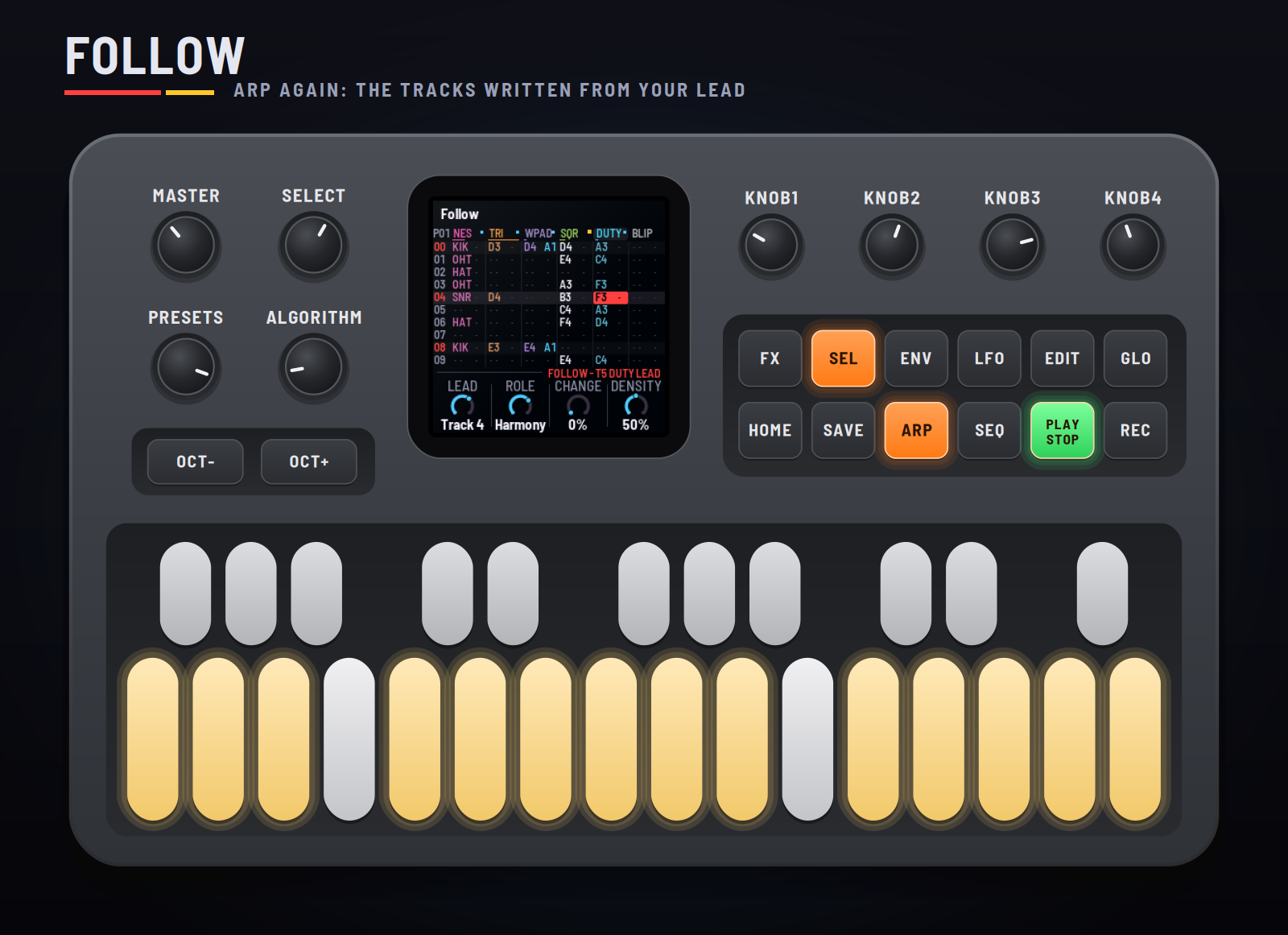
Write a melody on one track and name it the Lead. Give the others a role (Bass, Chords, Arp, Harmony, Counter, Drums, or Auto) and each plays a take written from the chords heard in your lead. Change how often a pass brings a new take; SEL + EDIT writes the takes in to edit by hand.
Evolve and Grow
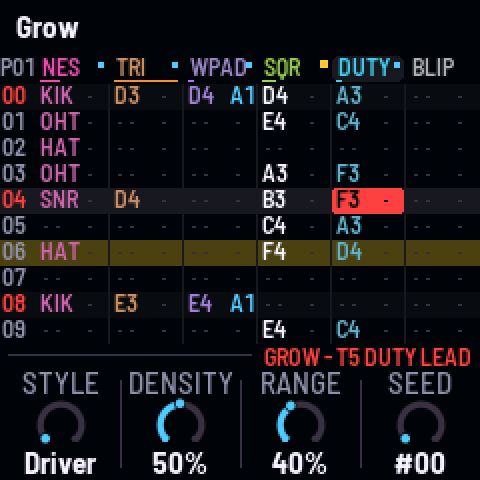
Evolve lets a track's notes drift a degree or two in the scale on each pass, and lean back home. Grow writes a whole song of up to 32 positions around what you've written, or a pattern in one of eight chip styles: Driver, Hold, Ostinato, Melody, Triplet, Arp run, Bleeps, Sparse.
Space
A ping-pong echo in time with the tempo, Dattorro's plate, Lo-fi (a darker top and fewer bits, twelve down to five), and the kick ducking everything else if you ask it to.
Five songs
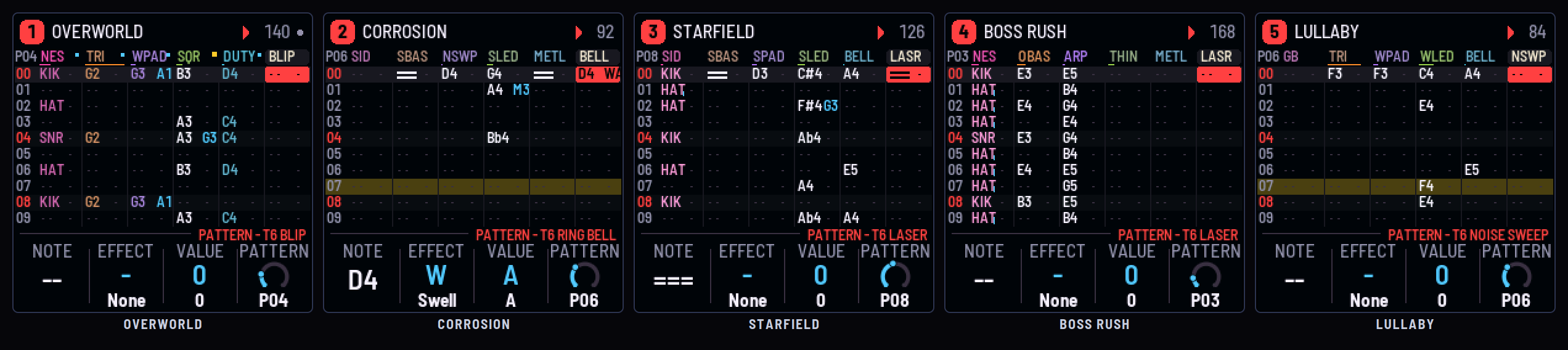
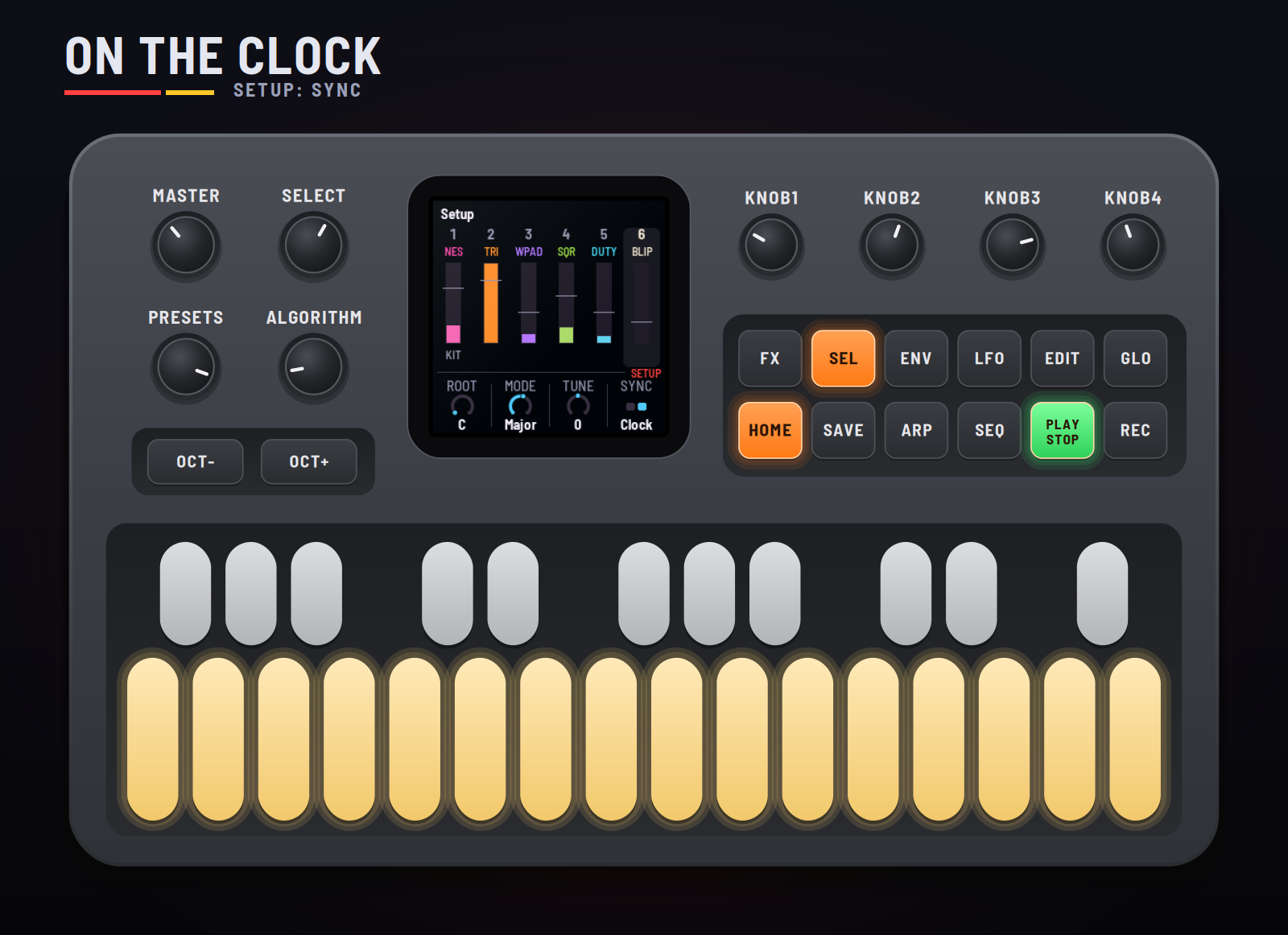
Each one chip's: Overworld (NES, 140 BPM, C major), Corrosion (SID, 92, D phrygian: dark, crushed, mutating as it goes), Starfield (SID, 126, D lydian), Boss Rush (NES, 168, E phrygian) and Lullaby (Game Boy, 84, F major). Each is eight patterns layered from an intro to an outro. Change anything and SAVE keeps it; hold SAVE on the Setup page to have the song back as it came.
Themes
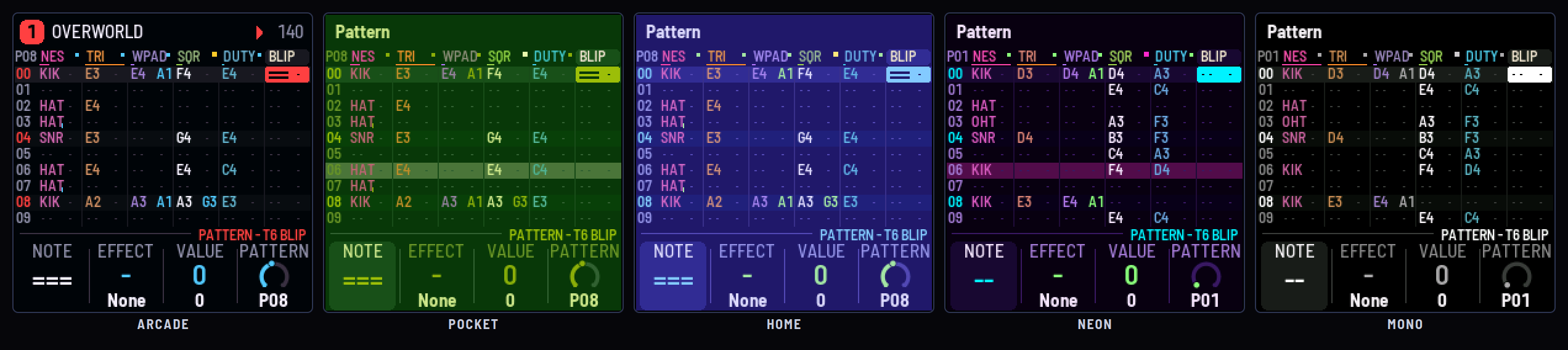
Five screen themes on the Device page: Arcade (black, a hot red and yellow), Pocket (a handheld's four greens), Home (a home computer's blues), Neon and Mono. The tracks keep their colours under every theme.
To your DAW
Screens

Credits
BIT-1 is a fork of AMB-1 by Charles Vestal, by way of HYP-1, GRAV-1, CTY-1 and EVOL-1. Its sounds are synthesised; no audio from any game or album is in it. Tracker ideas after KAWA by Omnipotard (GPL-3.0). The platform (USB, update loader, storage, installer) is Felucca by Leo Kuroshita (@kurogedelic), Hügelton Instruments. Screen font: Barlow Semi Condensed (SIL OFL). GPL-3.0. M-VAVE and FM-1 are trademarks of their owners; BIT-1 is not affiliated with M-VAVE.
To go back to the official firmware, use the installer's "Back to the stock firmware", or M-VAVE's updater, M-UPGRADE. Installing firmware is at your own risk.